Free
$0 forever
Everything you need to start listening.
- 10 hours of natural AI narration each month
- Device voices when your hours run out
- Word-by-word highlighting
- Offline reading
- Supported by ads
InkDub reads your PDFs, EPUBs, Kindle books and Word files aloud in natural voices, and highlights every word as it’s spoken, so you can read and listen at the same time.
Free to start: 10 hours of natural AI narration every month.
Chapter 1: Welcome to InkDub!
InkDub’s AI text-to-speech technology turns your supported books and documents into audiobooks. Choose from a variety of narration voices and customize your listening experience.
Press play to hear real InkDub narration. Tap any word to jump to it.
No converting, no uploading to a website, no waiting for a render. Open the file and press play.
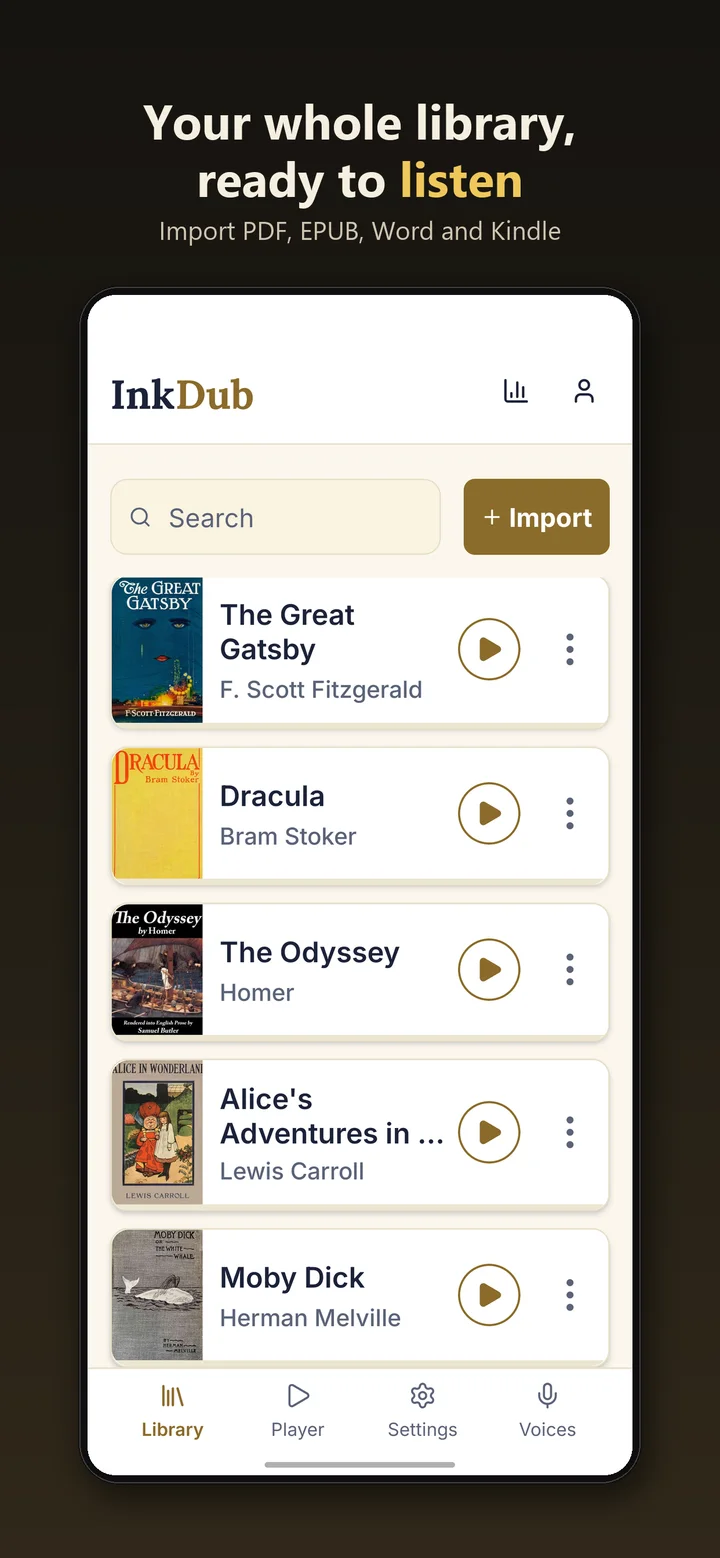
Add a PDF, EPUB, Kindle or Word file from your phone, scan a folder for books, or pick one from the built-in library of free public-domain classics.
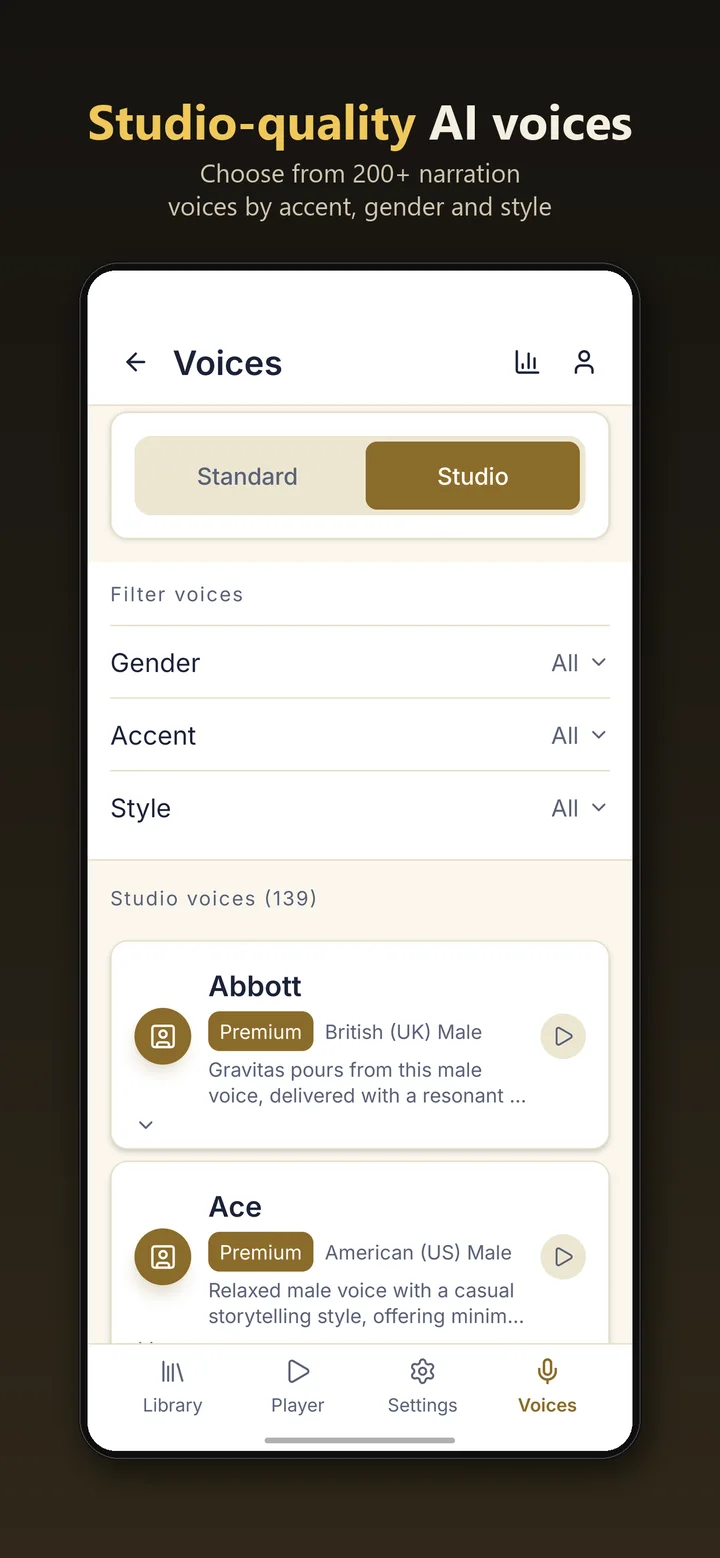
Pick from natural AI narrators and 200+ studio-quality voices. Filter by accent, gender and style, and preview a voice before you commit.
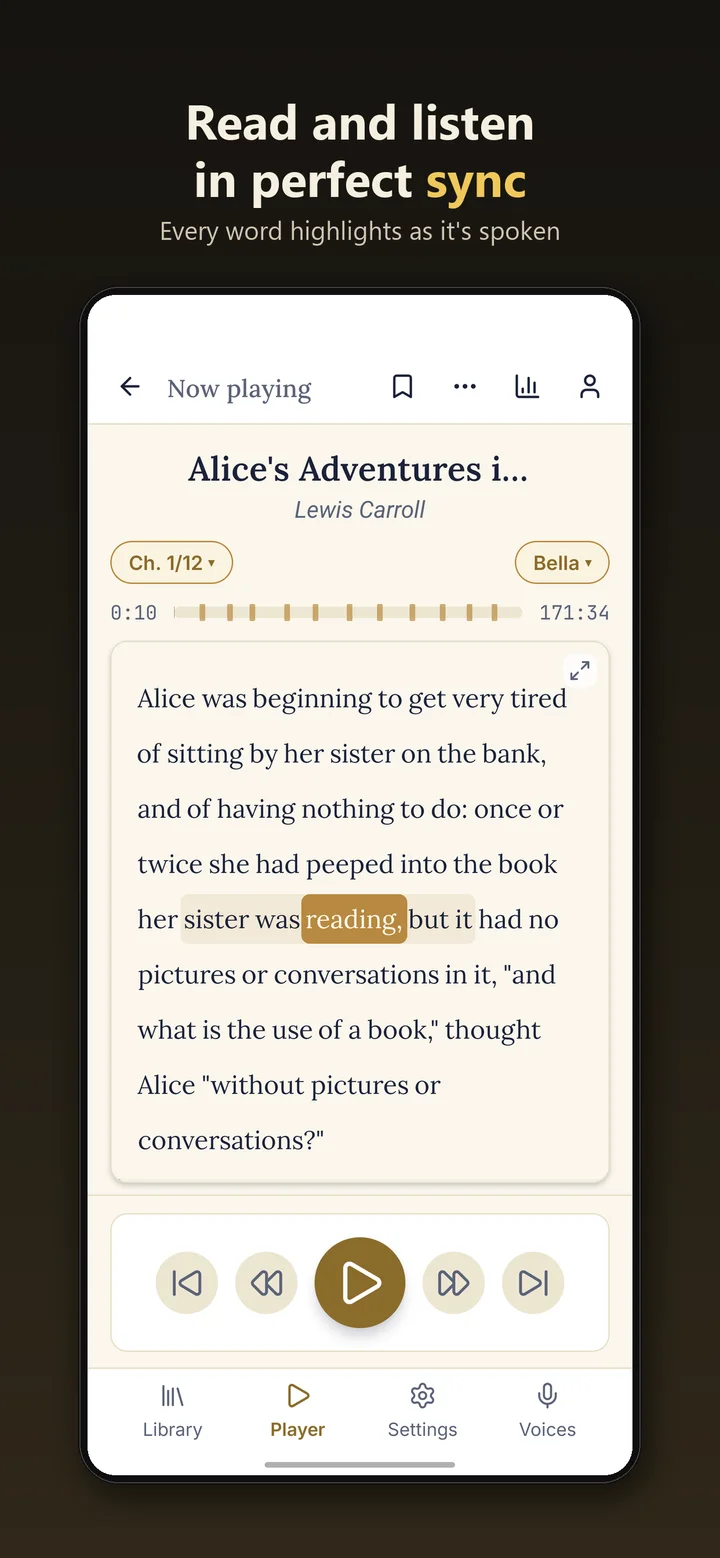
Every word lights up as it’s spoken, so you can read and listen together, or put the phone in your pocket and just listen.
Textbooks, novels, reports and notes, read aloud wherever the day takes you.
Chemistry 101, read aloud with every word highlighted as it’s spoken.
Upload your notes, press play and turn the queue into study time.
Leave the heavy book at home and take Biology 101 with you.
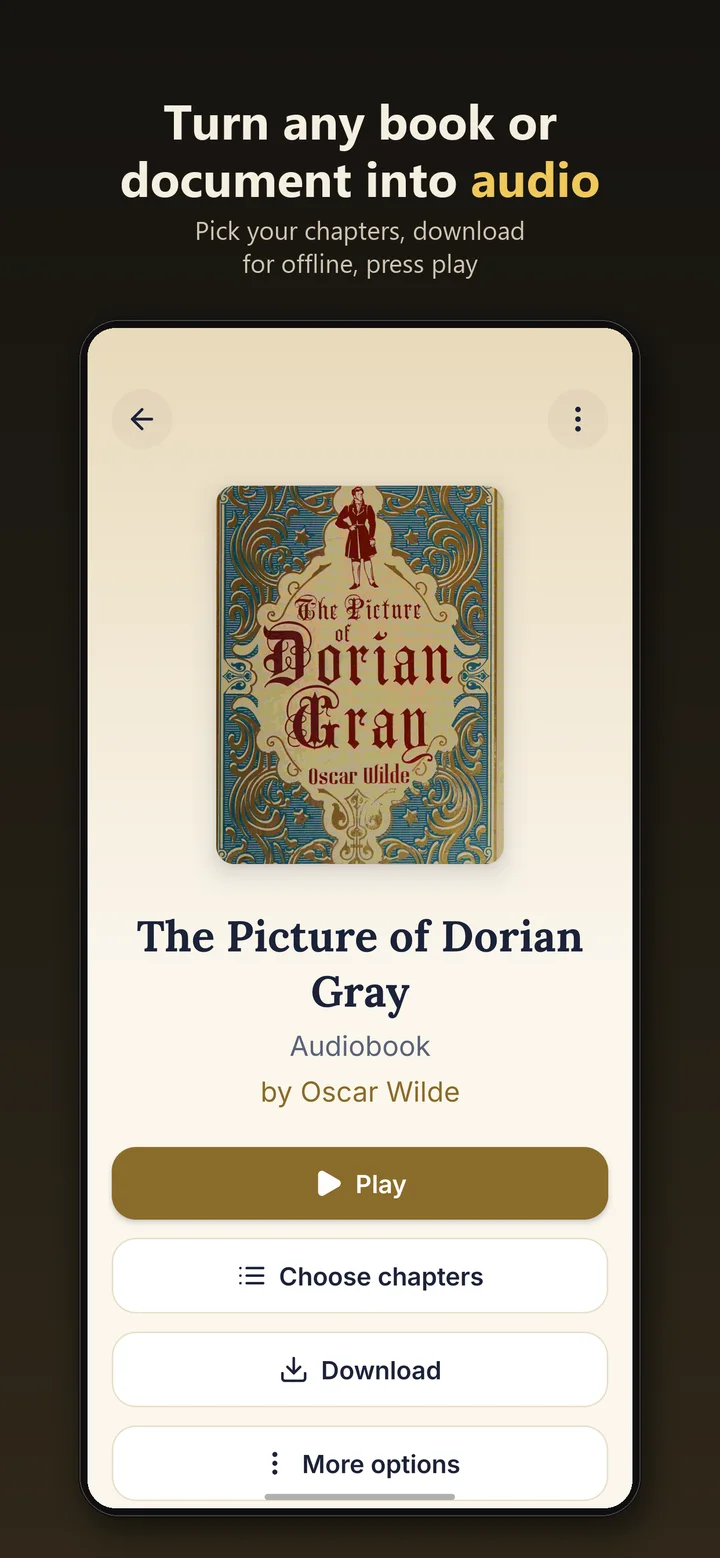
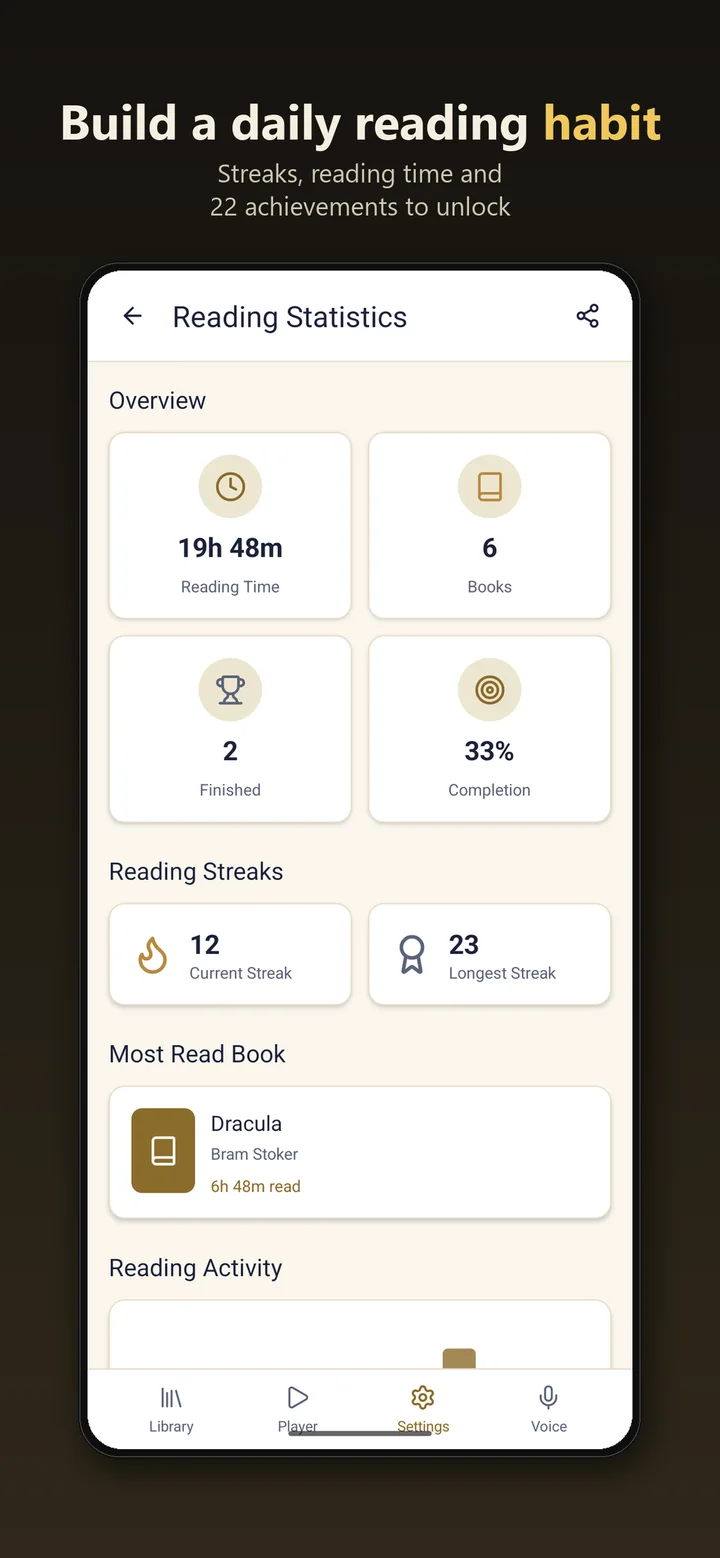
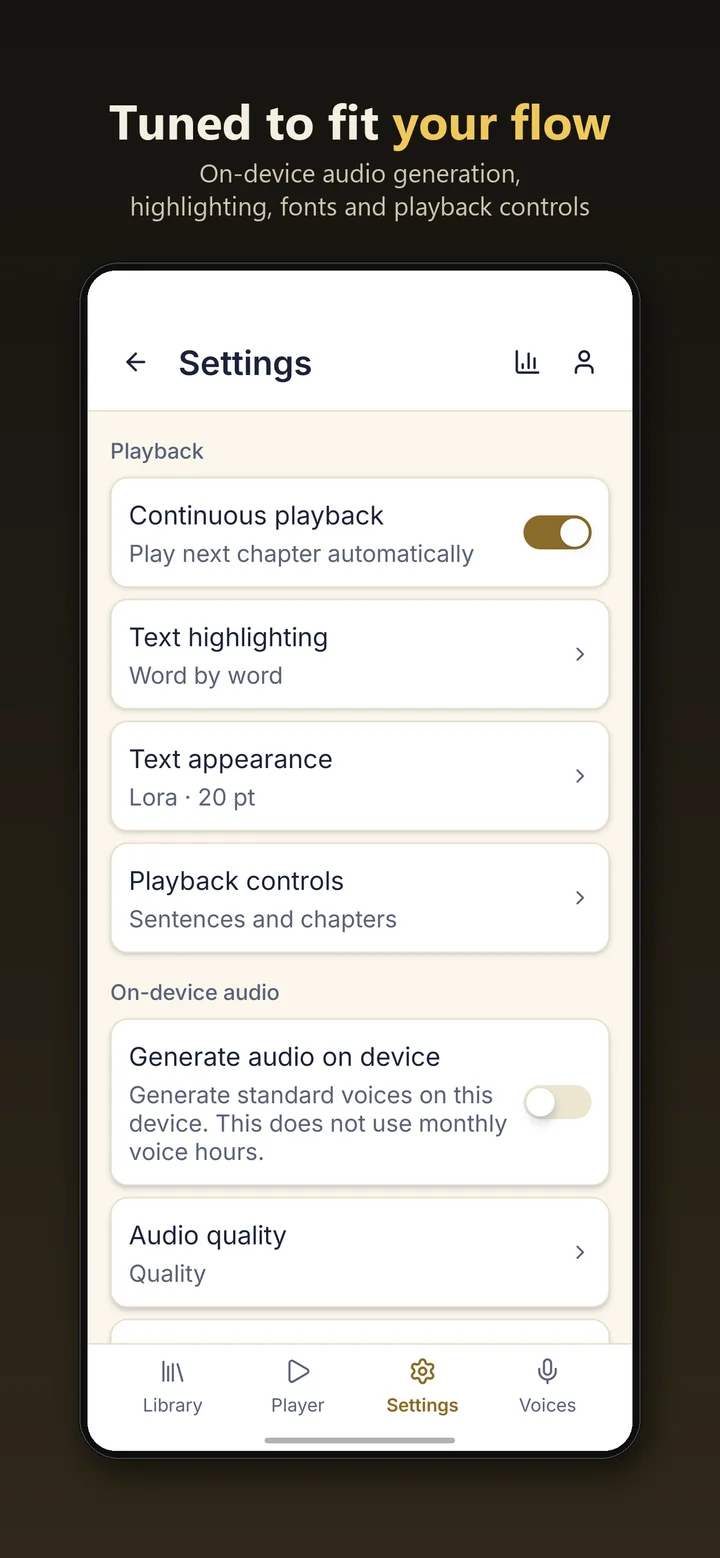
Made for students, commuters, language learners and anyone who reads more with their ears.
The spoken word lights up in real time and the page follows along, so you never lose your place.
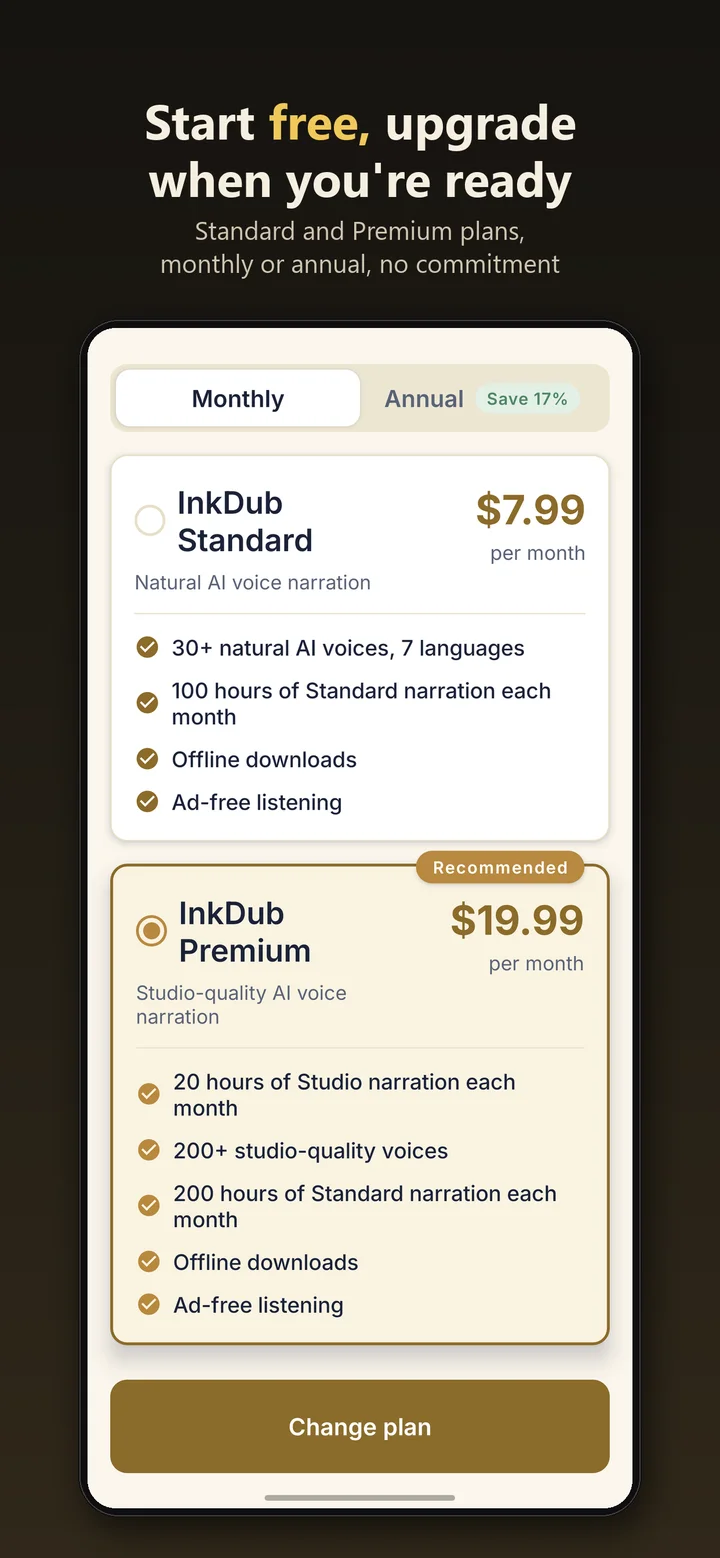
Natural AI narration on every plan: 30+ voices with Standard and 200+ studio-quality narrators with Premium.
PDF, EPUB, Kindle (MOBI, AZW, AZW3), Word, plain text and Markdown. Chapters are detected for you.
Background playback with lock-screen and headphone controls, plus a sleep timer for bedtime chapters.
Download the chapters you want before a flight or commute and listen with no connection at all.
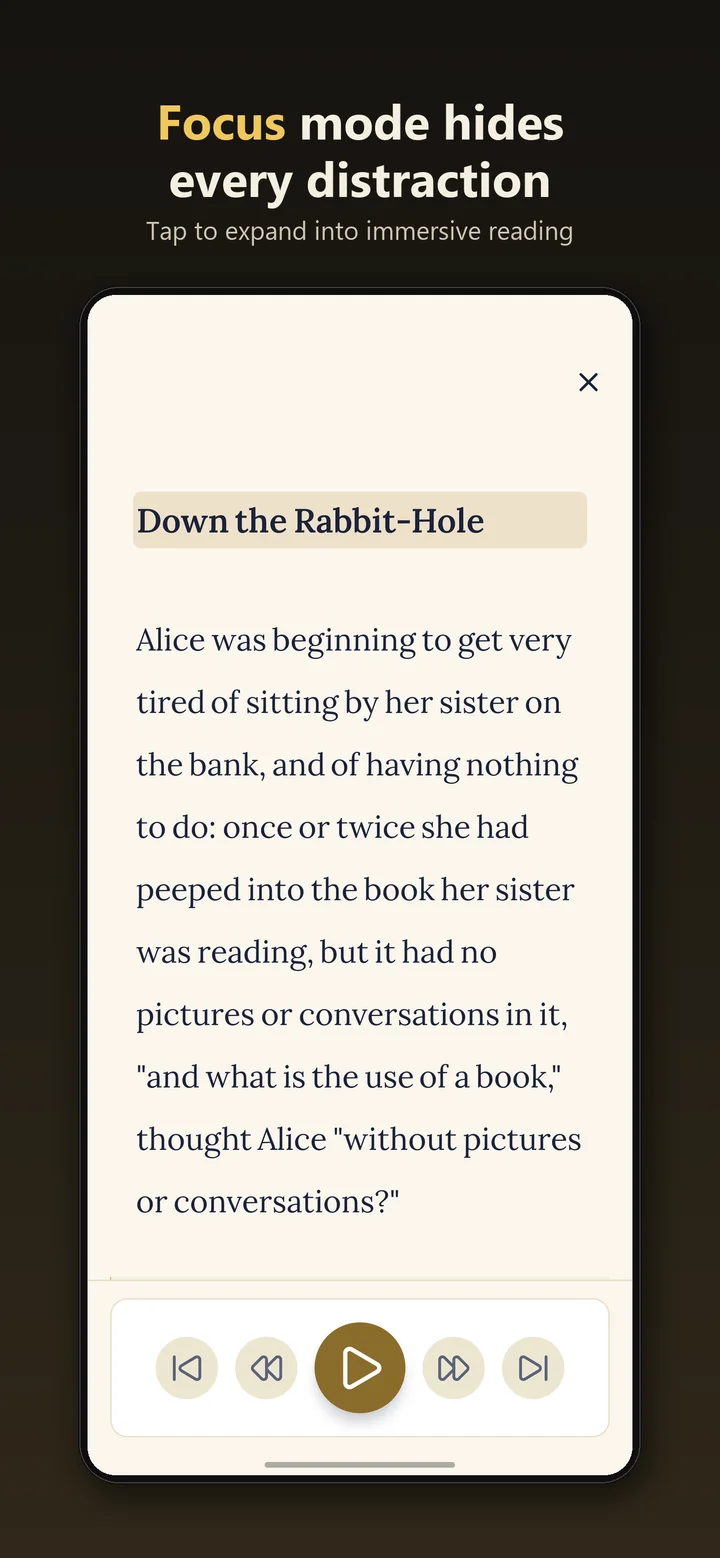
Expand the page to fill the screen and hide everything but the words and the play button.
Your place is saved automatically. Bookmarks, reading time, streaks and achievements keep you going.
Imported documents live on your device. Only the text being narrated is sent to generate cloud audio.
Every plan includes word-by-word highlighting and device voices. No plan is unlimited, and no plan locks you in.
$0 forever
Everything you need to start listening.
$7.99 per month
$6.67 per month, billed $79.99 a year
For daily listeners.
$19.99 per month
$16.67 per month, billed $199.99 a year
Studio voices for the books you love most.
Prices in US dollars. Subscriptions are bought in the app and billed by Google Play or the App Store; local prices may vary. Hours reset each month on your subscription anniversary.
PDF, EPUB, Kindle (MOBI, AZW, AZW3, PRC), Word (DOCX and DOC), plain text and Markdown files. Files must be DRM-free. You can also browse and add thousands of free public-domain books inside the app.
Yes. The free plan includes 10 hours of natural AI narration every month, and when those run out you can keep listening with your device’s built-in voices. The free plan is supported by ads.
Studio voices are InkDub’s most expressive, studio-quality narrators, with more than 200 to choose from. Premium includes 20 hours of Studio narration a month, and top-up packs are available if you need more.
Yes. Standard and Premium members can download chapters for offline listening. Your imported documents always stay on your device, and on-device voices work without a connection on every plan.
Your documents are stored on your device, not in our cloud. When you listen with a cloud voice, the text being narrated is sent to generate the audio. Device voices never send your text anywhere. The Privacy Policy has the details.
Subscriptions are billed and managed through Google Play or the App Store. Cancel anytime there; you keep your plan until the end of the period you’ve already paid for. Monthly hours renew on your subscription’s anniversary each month.
More answers in Help & support.
Download InkDub free on Android and iPhone, import your first document and press play.